Assign User
User Management Portal > Companies
Description
As a company admin, I want to be able to assign users to a Group and define add their role permissions.
Applicable User Roles
List of roles that have access or can use this feature.
Company Admin
How To
New users are initially treated as applicants and do not belong to any company. In order to register users as company staff, they must be assigned by a Company Admin.
Company Admin Portal
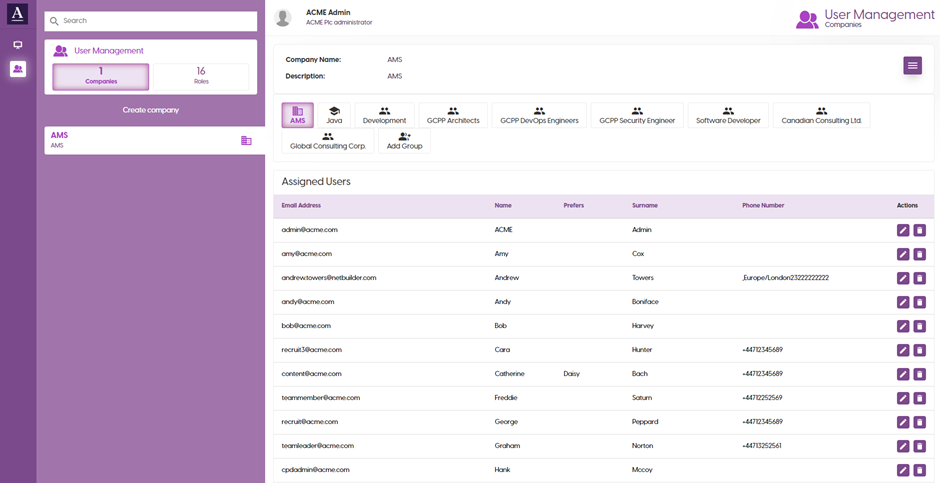
The company admin portal shows company information as well as a list of users, split into groups, registered at the company.
Existing users can be edited or deleted using the buttons in the ‘Actions’ column.
In order to assign users to the company, a company admin must select the “Assign User” option from the burger menu. See Assign New User.
Update User
Existing users can have their name, email address, roles, and password edited from the “User Editor” screen.
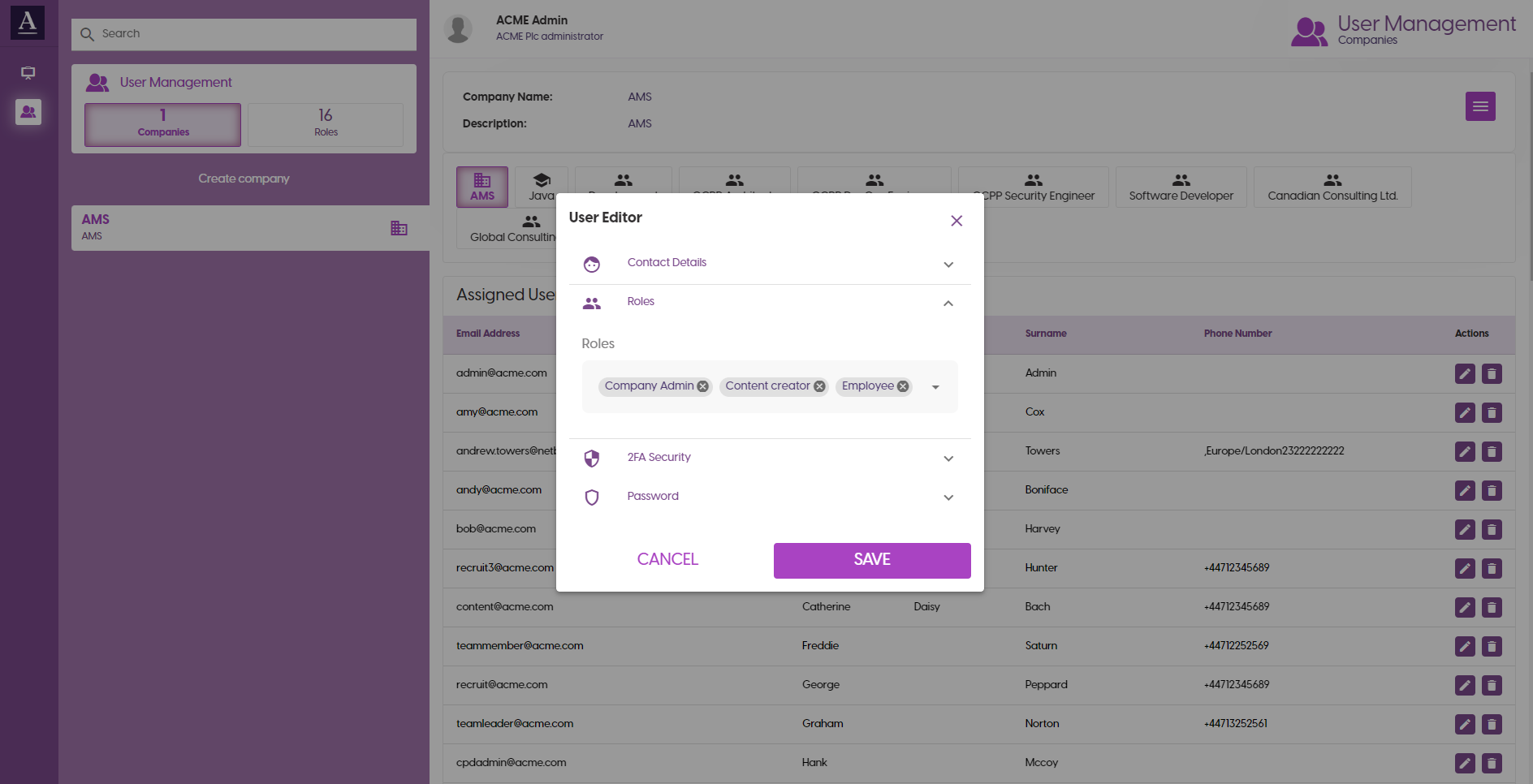
In order change a user’s password, check the “Change password” checkbox to reveal the password input.
Select “SAVE” to save changes made to the user, or “X” in the top right to cancel.
Assign New User
Use the ‘Assign User’ screen to assign new users to a company.
Select an unassigned user from the users dropdown. Then select roles from the roles dropdown to assign one or more roles to this user
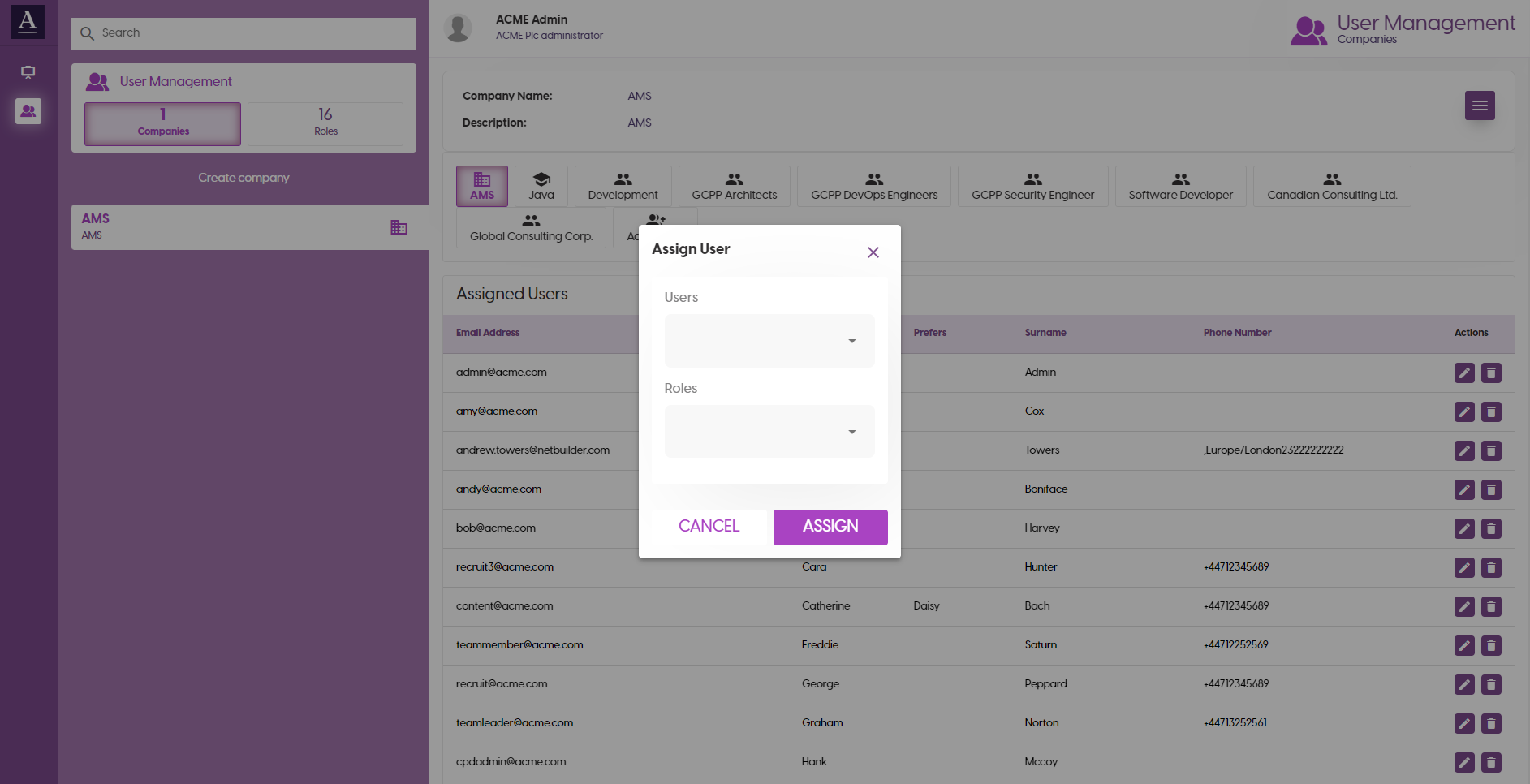
Select “ASSIGN USER” to save changes, or “X” in the top right to cancel.
Delete User
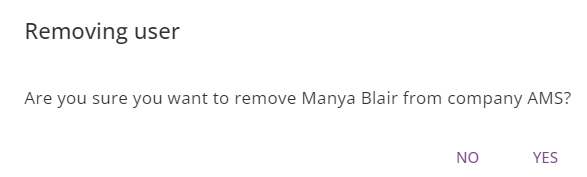
Use the ‘Delete Bin’ Icon on Action column to delete users from a company.
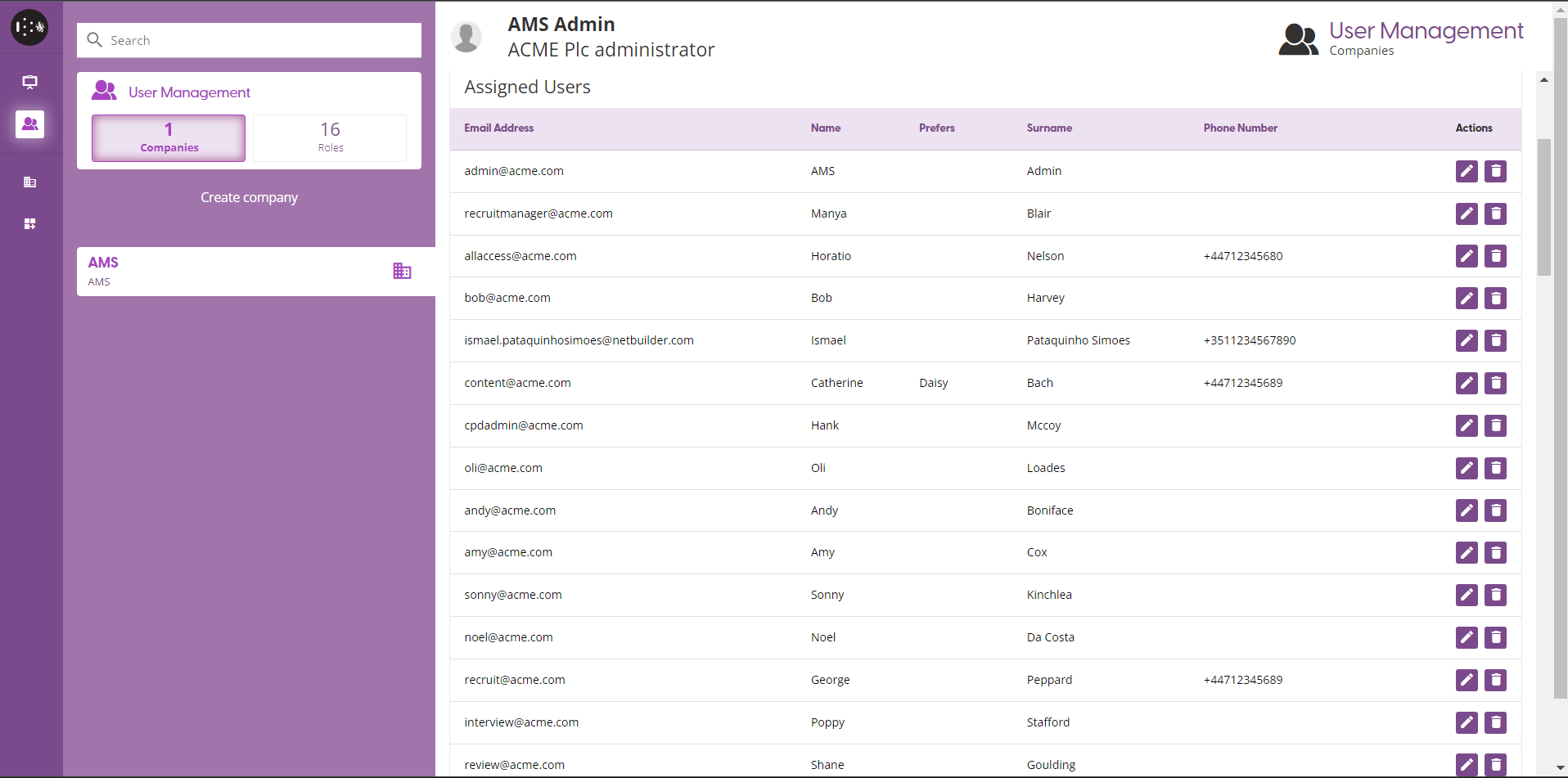
A pop-out dialog will display to confirm the deletion of selected on the company
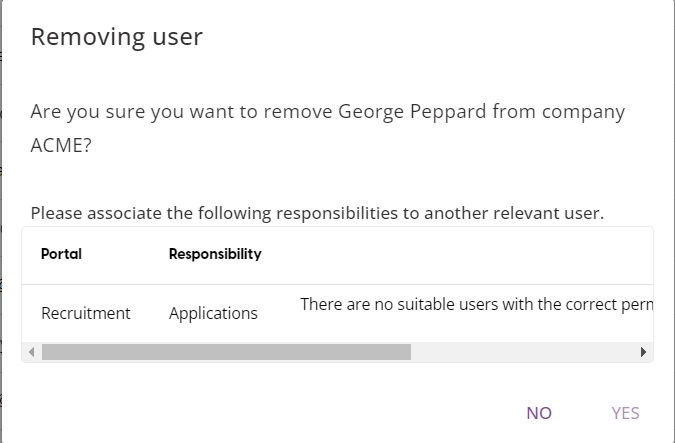
Selected user cannot be deleted if active and associated to a user group.
Roles
| Roles | Description |
|---|---|
| Company Admin | Allows for assigning users to the company and for editing company user accounts. |
| Content Consumer | Can access and use training materials. |
| Content Creator | Can create, publish, and archive courses and training paths. |
| CPD Admin | Generate review process reports for companies and teams within them. |
| Employee | Marks user a company employee. |
| Interviewer | Allows user to be assigned as an interviewer and to be present in interviews. |
| Recruiter | Allows user to create campaigns, build forms, and recruit applicants. |
| Recruiter Member | Allows user to create campaigns, build forms, recruit applicants, and manage recruiters. |
| Reviewer | Allows user to view applications made to campaigns. |
| Recruitment Admin | Assign groups to projects. |