User Group
User Management Portal > Companies
Description
As a company admin, I want to be able to manage user groups.
Applicable User Roles
List of roles that have access or can use this feature.
Company Admin
How To
Groups can be added under a company for different user functions.
Add New User Group
To add new Group, click on the Add Group button

Set the Name, Description, and Type of the new group
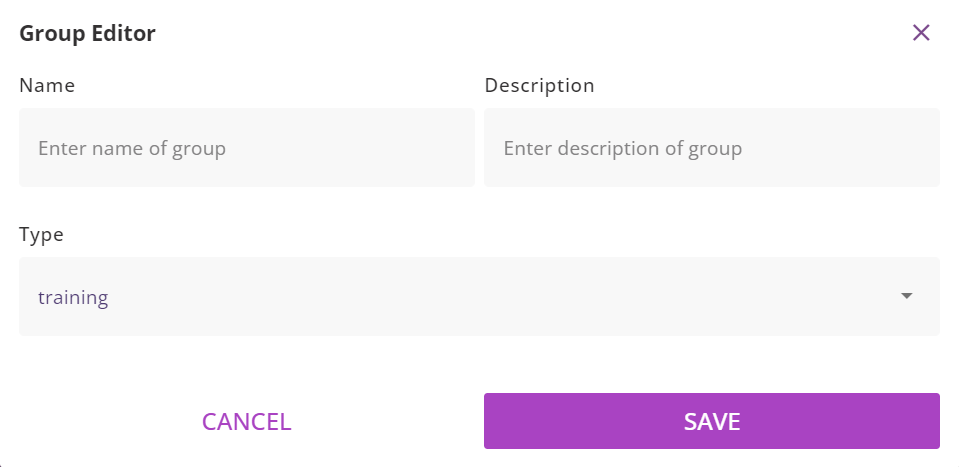
| Group Type | Description |
|---|---|
| Project | Allows user to access the HireNow Portal |
| Skillset | Allows the user to access the skillset assigned to the group |
| Team | Allows the user to access the Develop Portal |
Update User Group
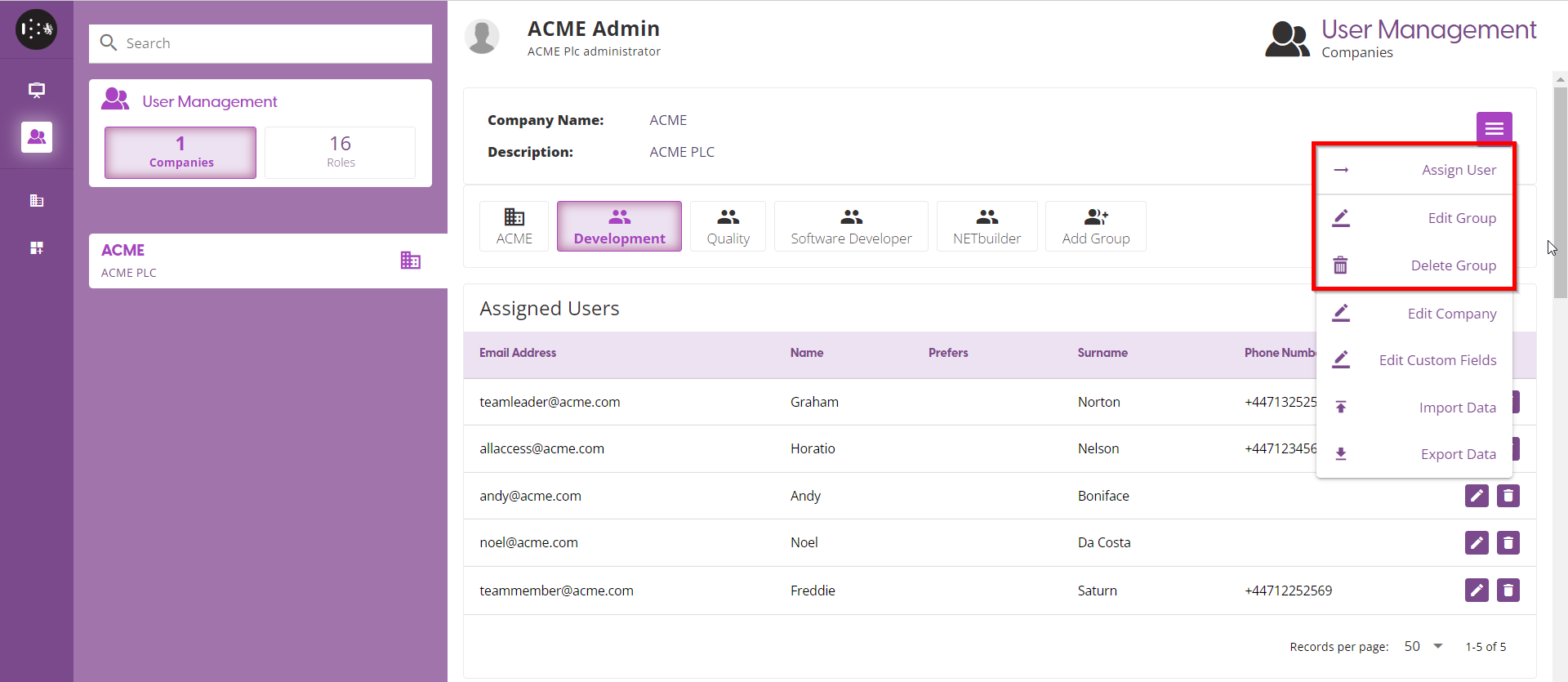
To update or delete a user group, click the Burger menu and select the option.
Assign User to a Group
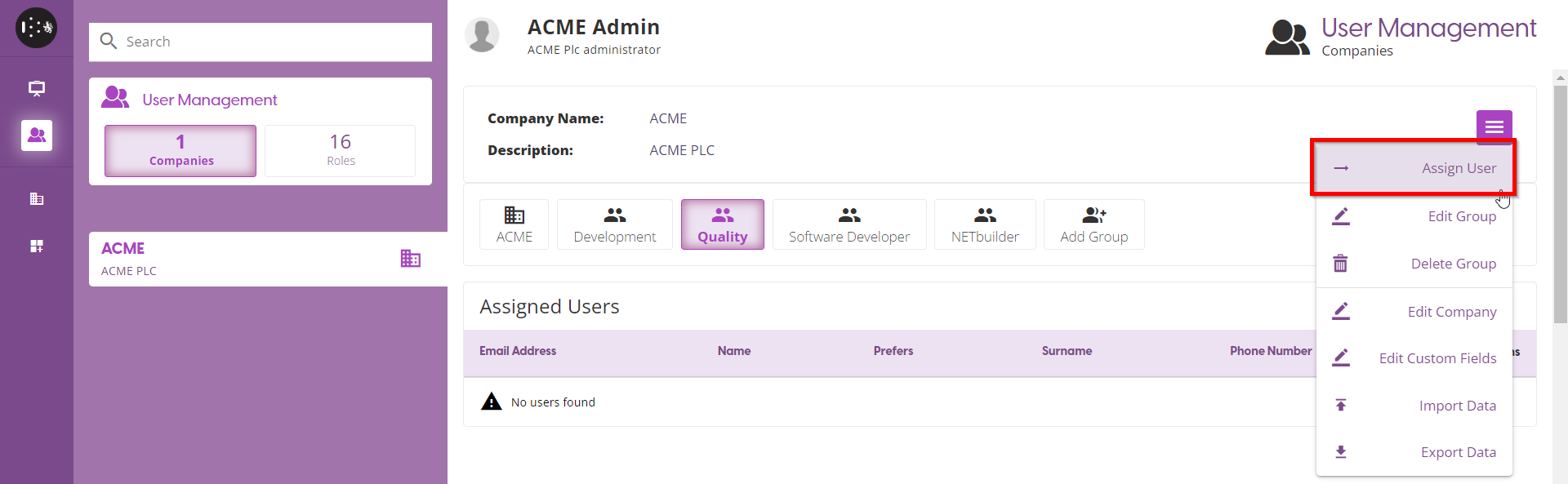
Click the User Group to add a user and use the ‘Assign User’ screen to assign a user to the selected group
Type of select the user to assign to the group in the Users text field and select the Role
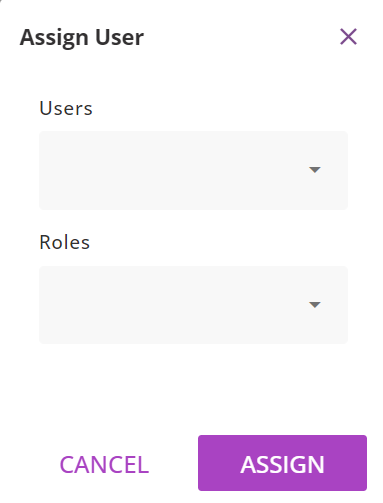
| Roles | Description |
|---|---|
| Team Leader | Leader of a team |
| Team Member | Member of the team |
| Recruitment Member | Member of the recruitment group |
| Skillset | Member of a skillset group |