Review Process Creation
DevelopNow Portal > Review Processess
Description
As a team leader, I want to be able to create a review process workflow so I can use it when sceduling a review to a team member.
Applicable User Roles
List of roles that have access or can use this feature.
Team Leader
How To
In order to support 360 reviews, a set of Review Processes may be created. E.g.: Line manager review process, Peer review process, Sub-ordinate review process etc.
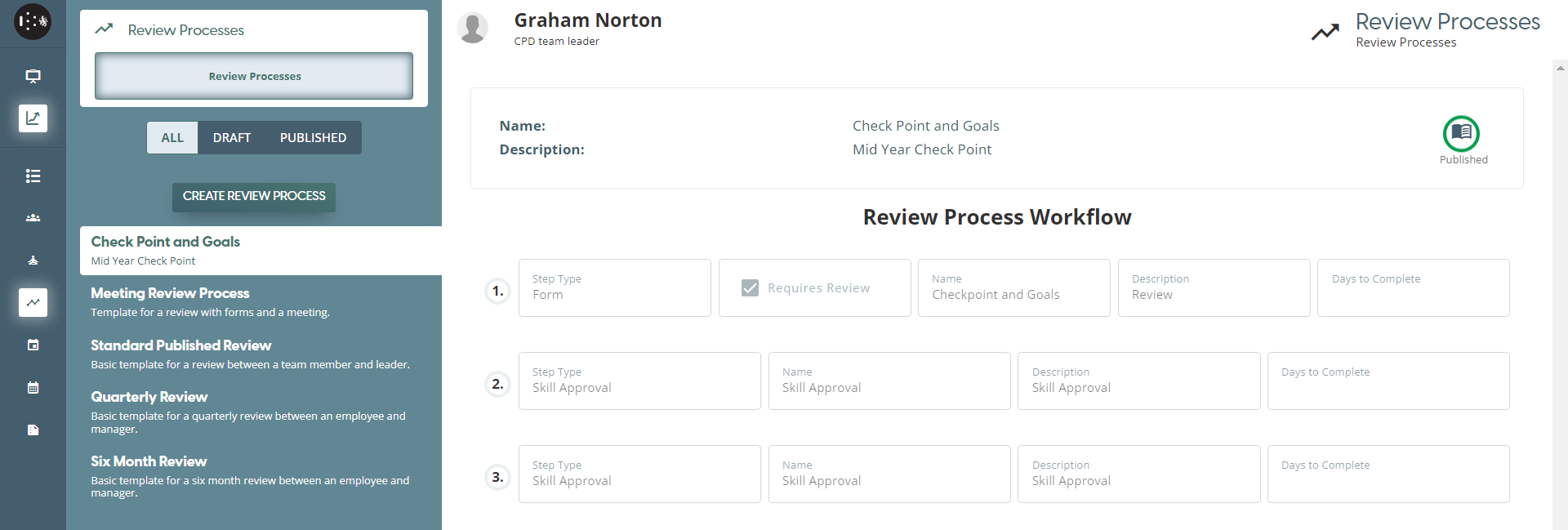
To Create a Review Process , navigate to Review Processes Page
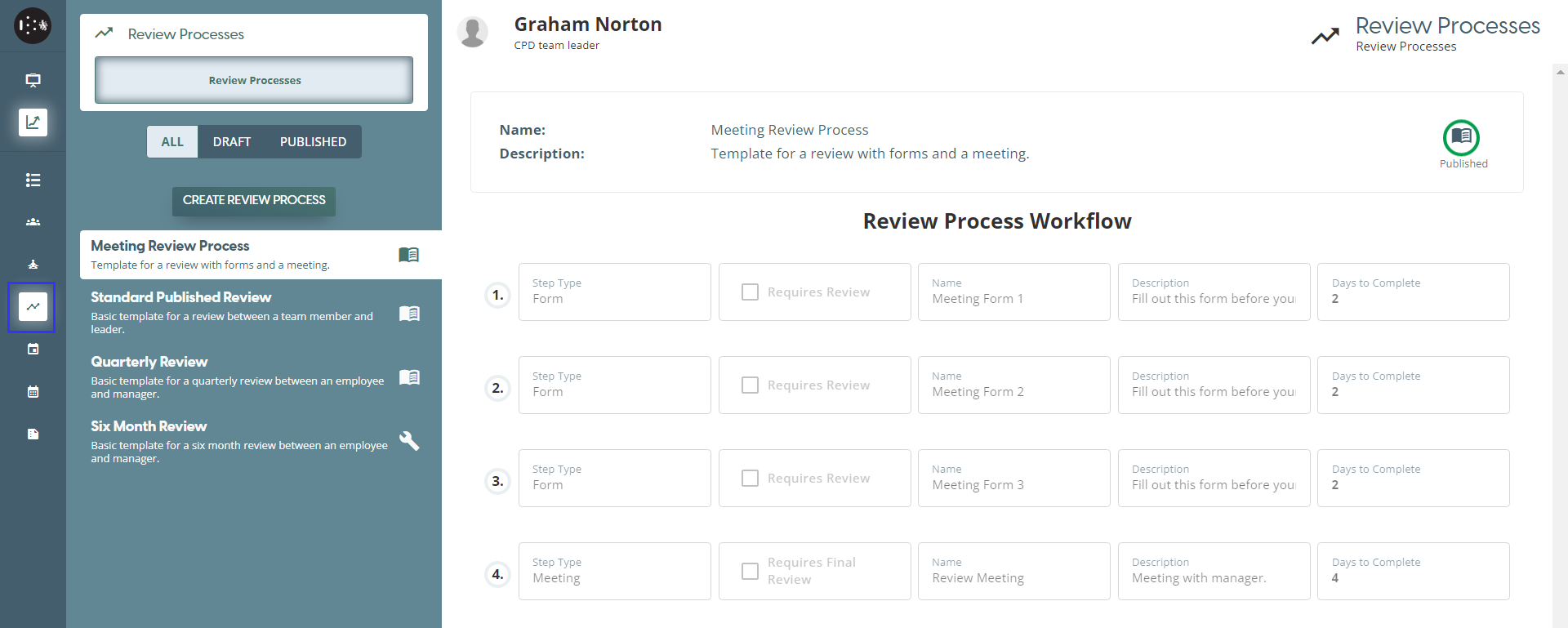
User can see all the Review Processes available and use for Review Process
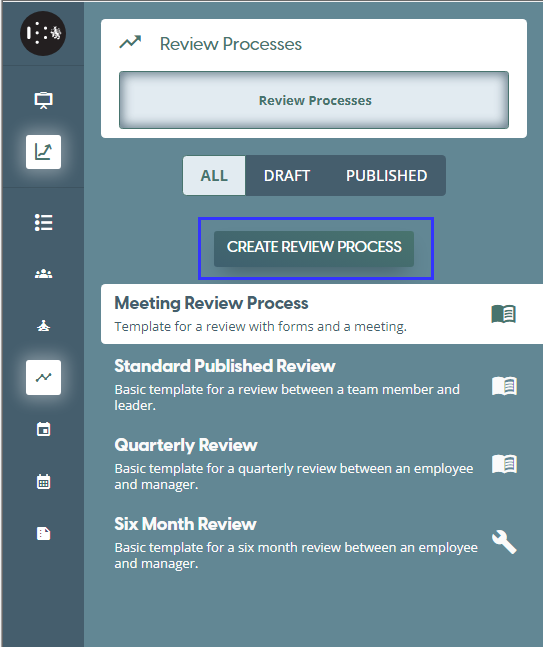
Users can also create new Review Process by clicking the “Create Review Processes” button
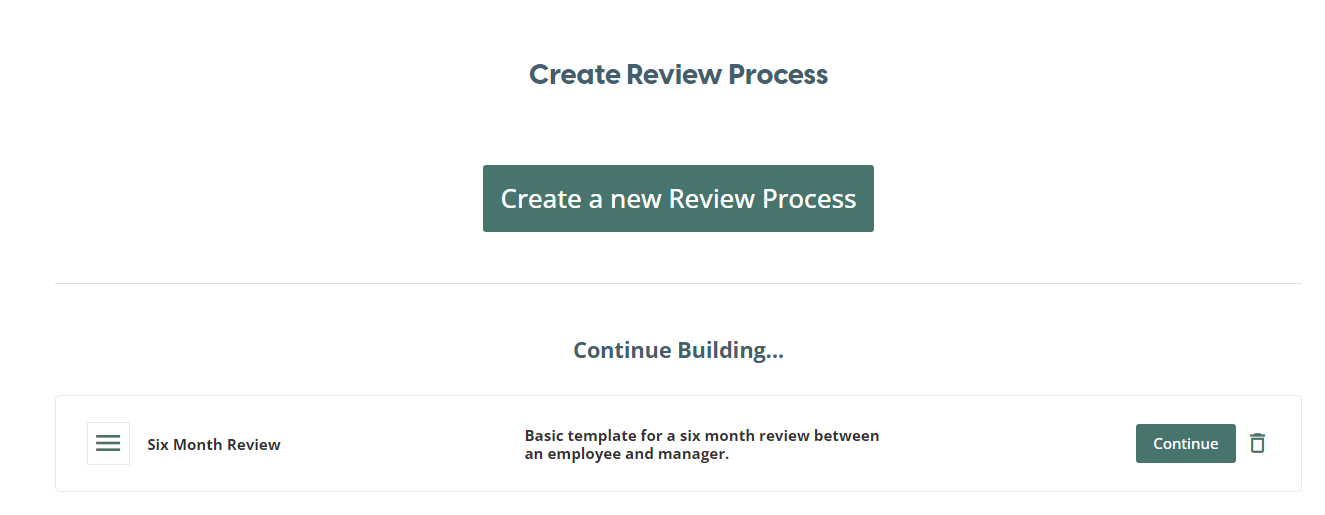
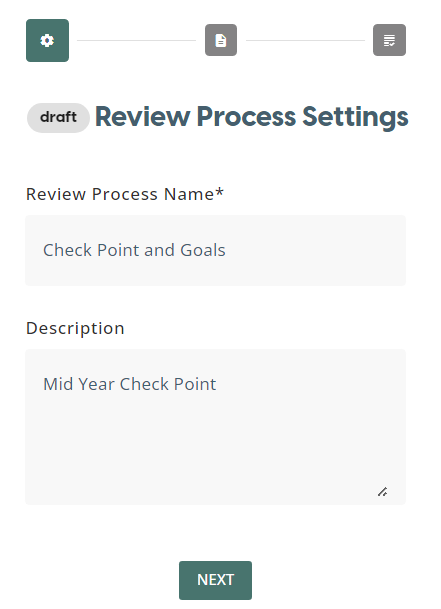
Set the Review Process Name and Description
Review Process Workflow
Review Process can be created from a set of Review Step Types which may include: Forms, Meeting, Skill Approval, Learning Assignment.
There are four types of Review Process Steps as outlined below:
-
Form – These forms must be completed as part of the Review Process, and these forms can be used to set out the user’s future learning goals or to specify areas of future improvement.
-
Meeting – This type of process sets a meeting date and time for a live meeting between the user and the Team Leader. During the meeting, the Team Leader can also approve any pending Skills scores as set by the user.
-
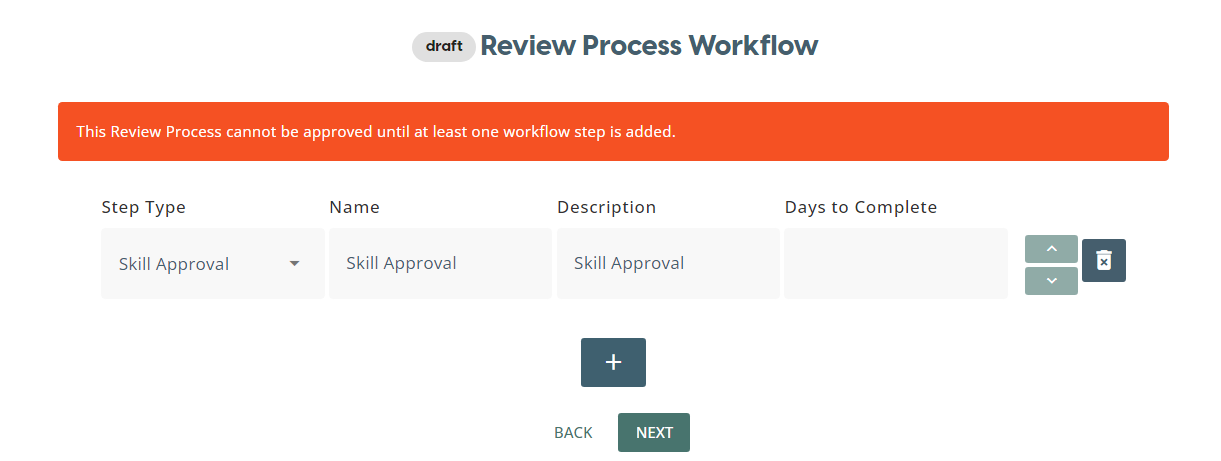
Skills Approval – After they acquire a new skill, the user can document this with a rating out of ten. This new skill’s rating can be approved by the Team Leader as part of a review.
-
Assign Learning – Further learning, such as learning pathways and modules, can be assigned to the user as part of the Review.
These four types of review can be conducted individually or together as part of a comprehensive review.
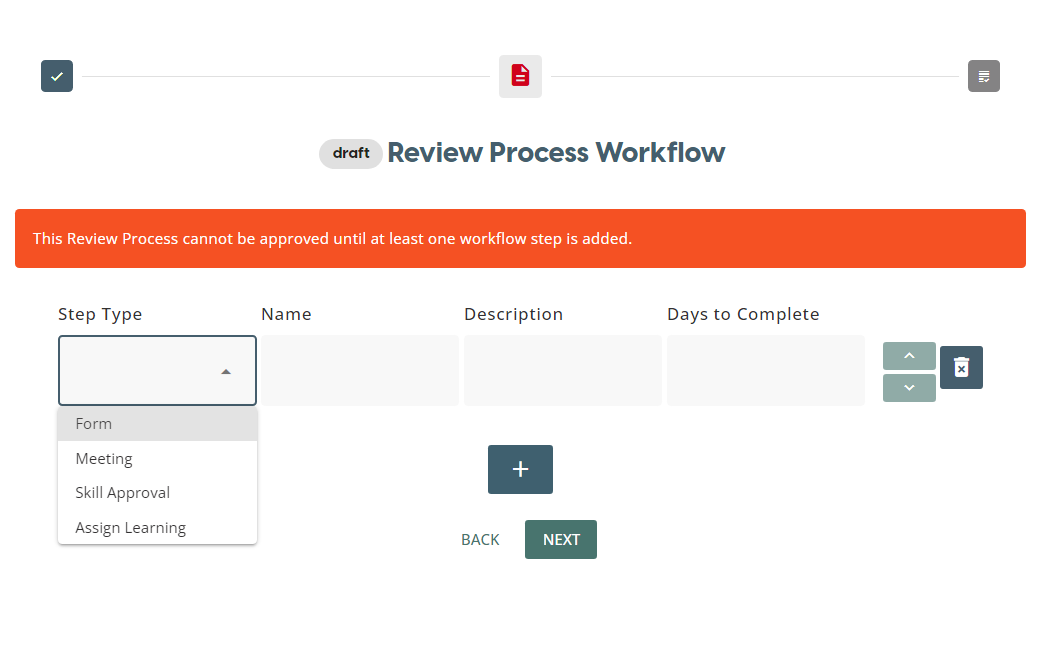
Multiple Steps can be added on the Review Process Workflow
Form
When user wants to use a Form as part of the Review Process, the user can select ‘Form’ on the drop-down list. In the drop-down list, only published forms that have been created in the CPD Form Builder will be available. To create a new form to be a part of a Review Process, they can use the CPD Form Builder to create their desired form, then add it to the Review Process.
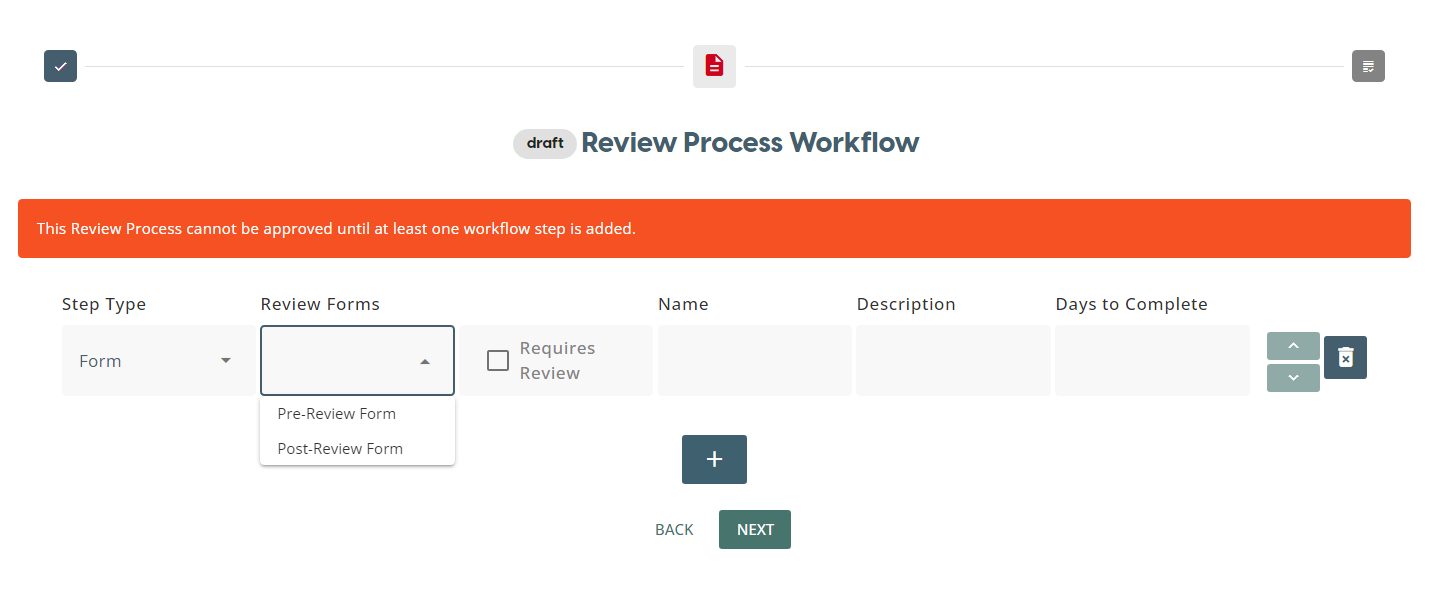
When “Requires Review” checkbox is ticked then the submitted form by the Reviewee will sent to Reviewer’s review during Review Process before completing the step
Meeting
-
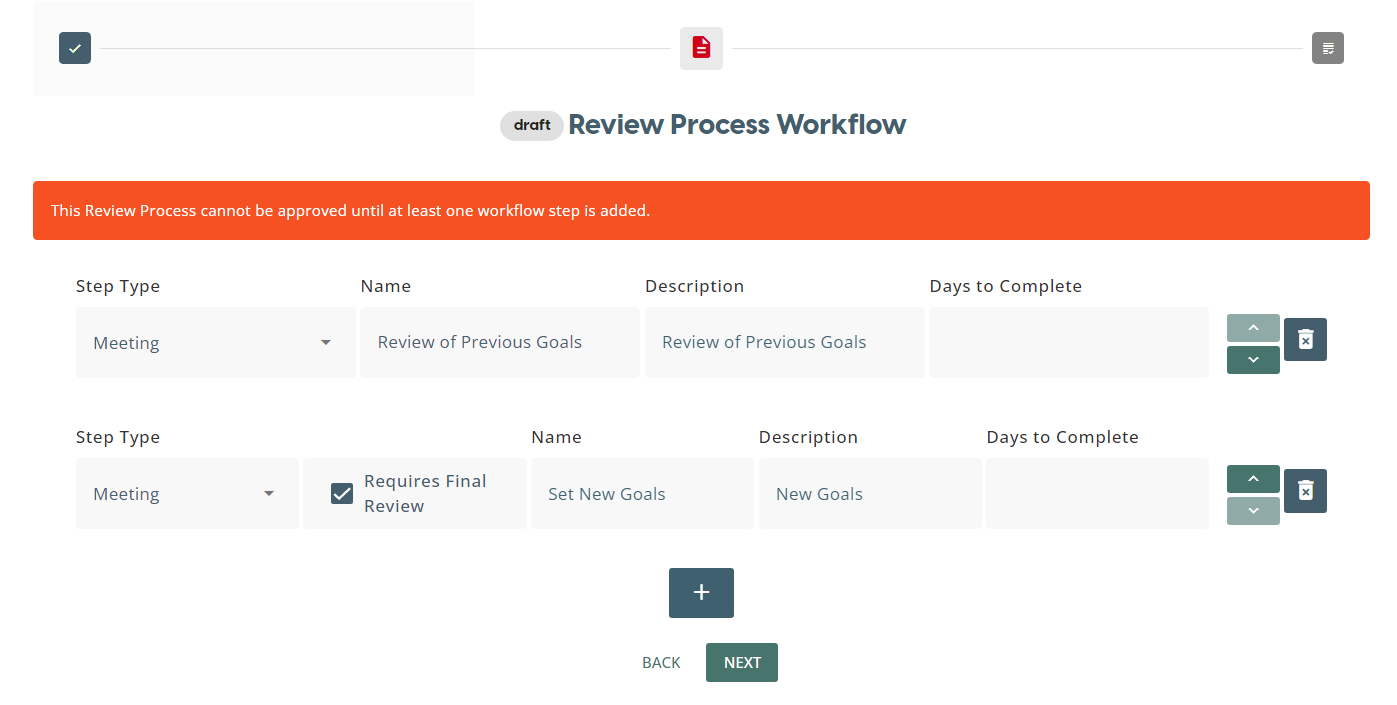
When teamleader add multiple meeting step type to a review process workflow then only the last meeting in the workflow has the “Requires Final Review” checkbox
- When “Requires Final Review” checkbox is ticked then the teamleader can see and set and final scores during review meetings
Assign Learning
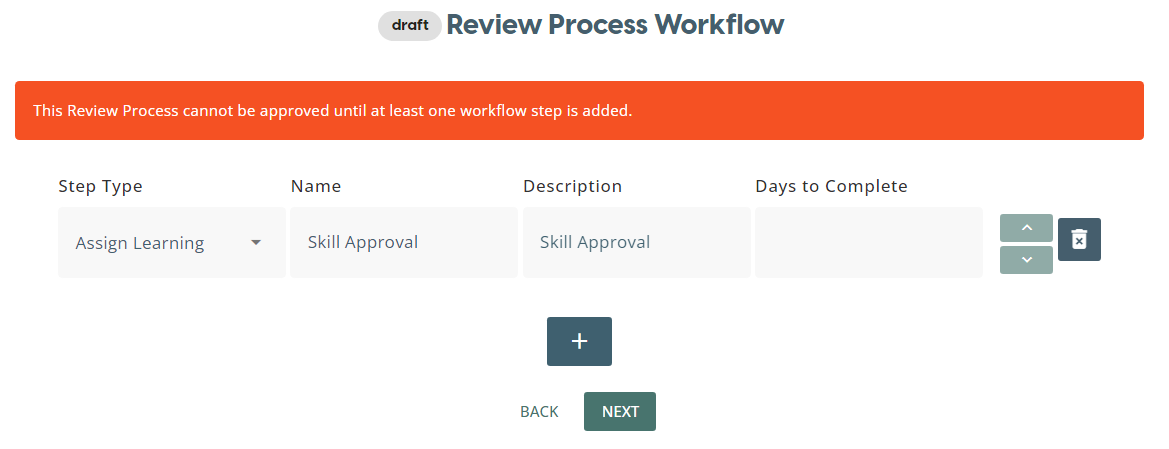
Skill Approval
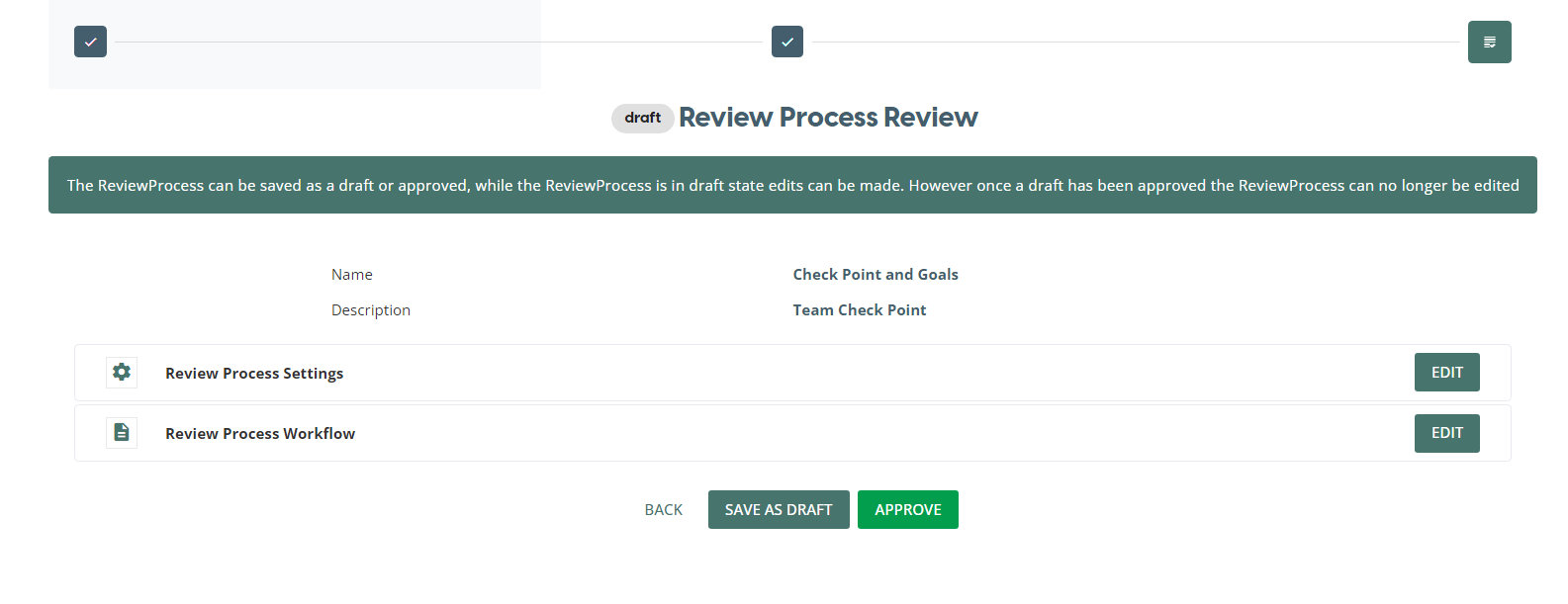
To publish the created Review Process , click Approve
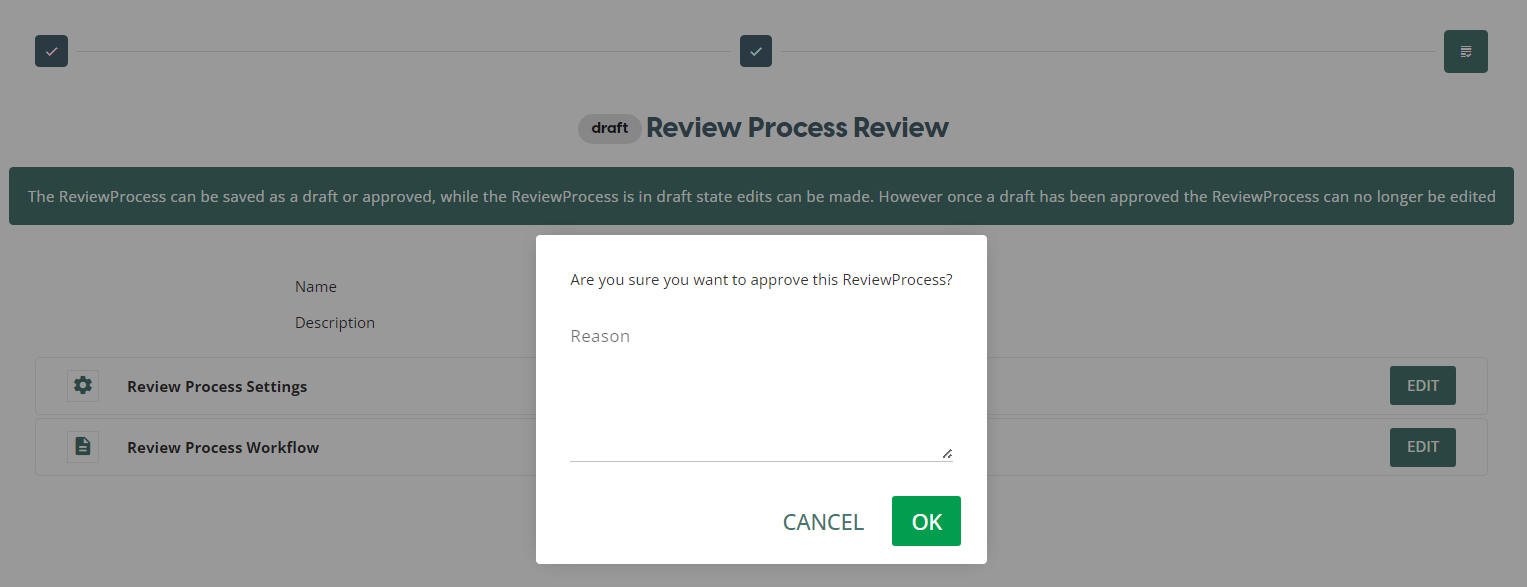
Once a Review Process has been published, it cannot be edited.
Add Reason and click OK
Created Review Process Workflow will be listed on the PUBLISHED and will be already for use for Team Review - Review Process. These customizable Review Processes can now be selected to each team member for a review.